
Dim Easy
Tools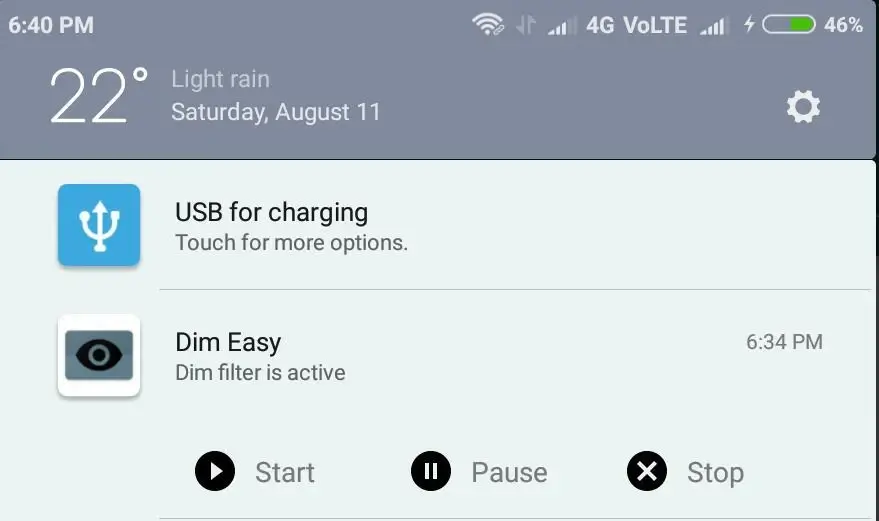
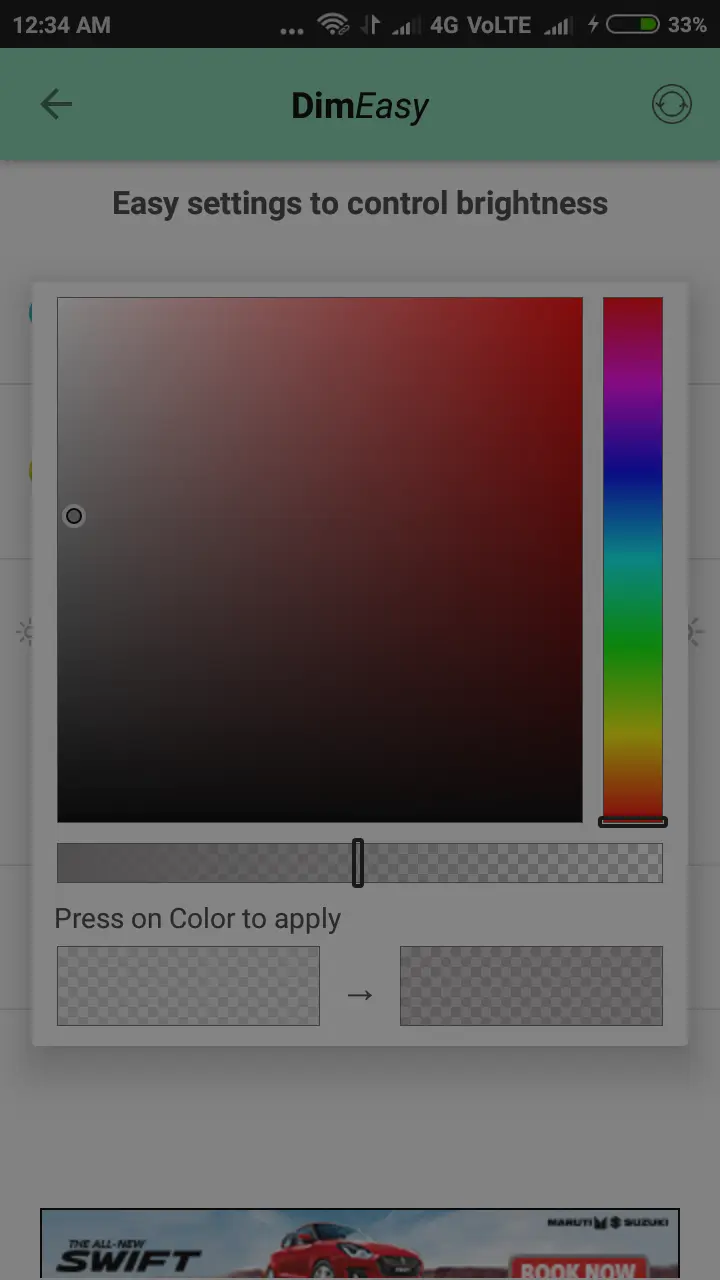
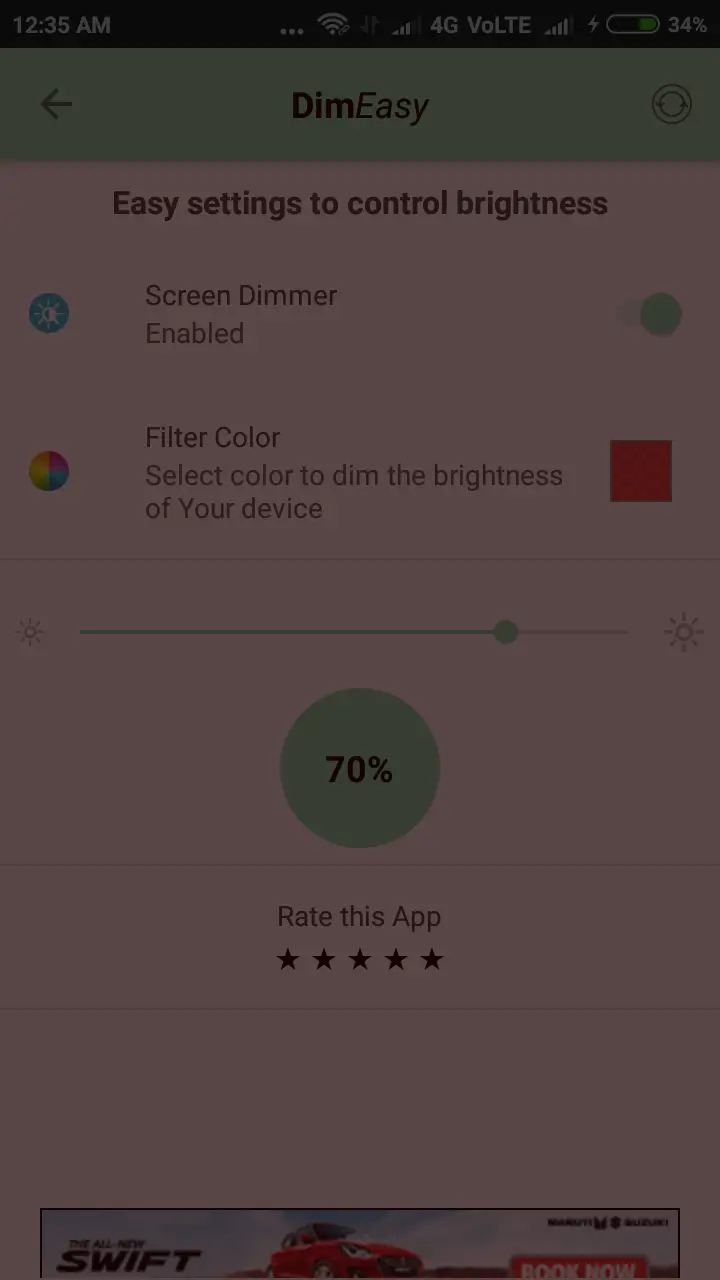
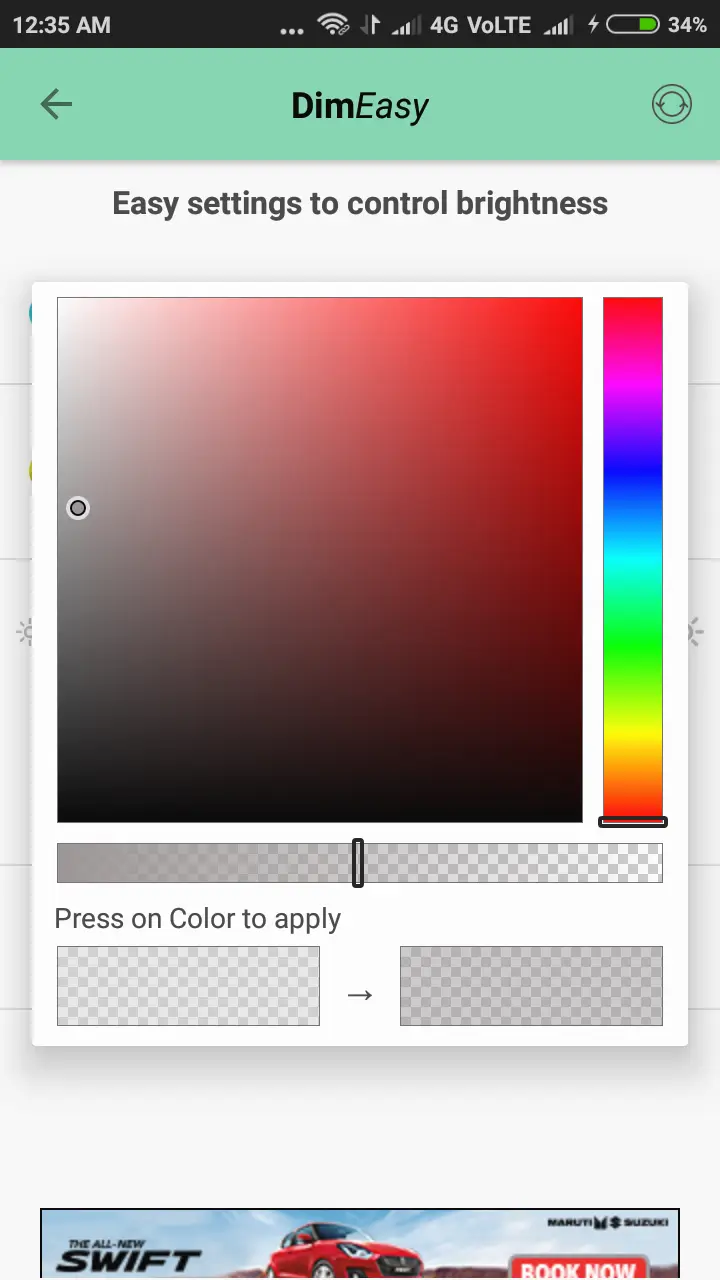
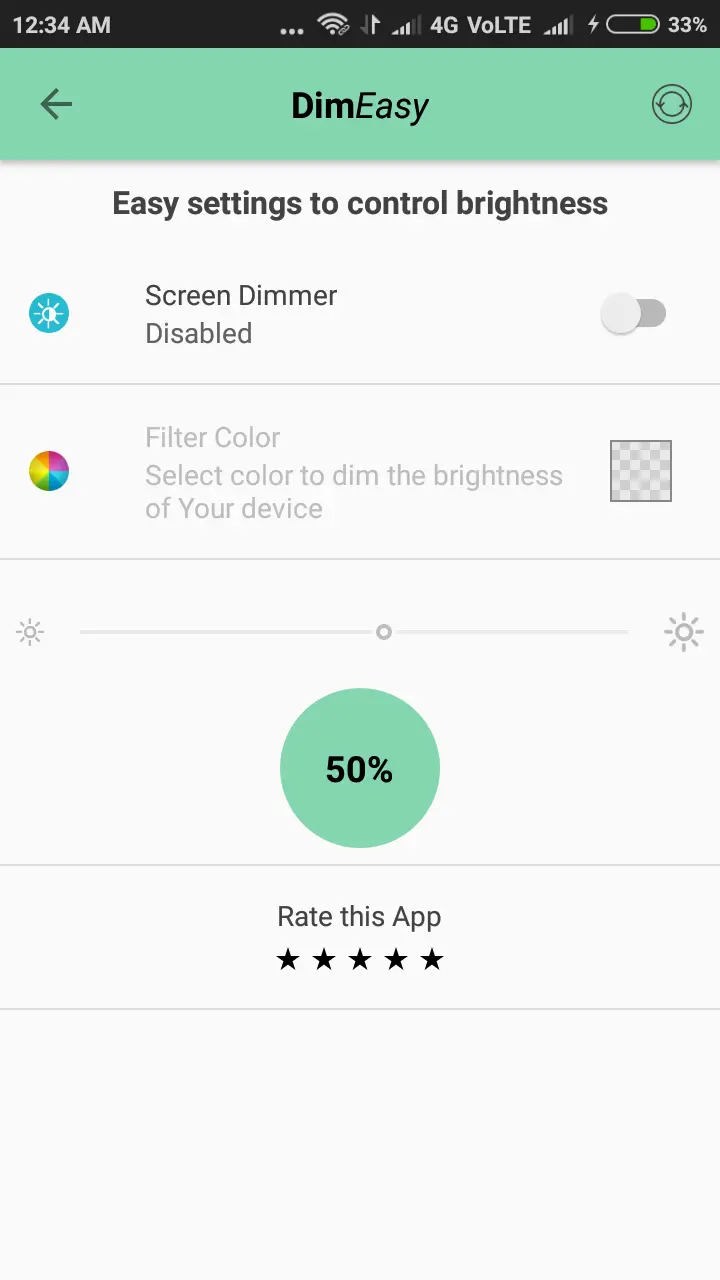

Dim Easy is a lightweight Android utility that lets you lower your screen brightness beyond the limits of the built‑in settings. It’s useful when you need a truly dark display for reading, watching movies, or sleeping in a dark room.
This page provides the latest version information, installation steps, and practical tips to help you get the most out of Dim Easy.
Quick Information
| App/Game Name | Dim Easy |
| Latest Version | 2.0.45 |
| Developer | Not listed |
| Category | Apps / Tools |
| App Size | 2 MB |
| Package Name | com.vinayak.bhat.screendimmer |
| Last Updated | 8 April 2024 |
What Is Dim Easy?
Dim Easy adds an extra layer of brightness control on top of Android’s native options. By applying a screen overlay, the app can make the display appear dimmer than the system’s minimum setting. It’s designed for users who find the default dimmest brightness still too bright, especially at night.
The app is straightforward: launch it, adjust the slider to your preferred dim level, and the change takes effect instantly. No root access or special permissions are required beyond the standard overlay permission.
Compatibility
| Android Version | Not Verified |
| Architecture (ARM64 / 32-bit) | ✓ Verified — Supports common device architectures |
| Internet Connection | ✓ Verified — May be required for ads, updates, or login |
| Storage Needed | Not Verified |
| OBB/Data Files | Not Verified |
| Root Required | Not Verified |
How to Install
- Download the Dim Easy APK file to your device.
- Open Settings → Security and enable Install unknown apps for the browser or file manager you used.
- Locate the downloaded APK in your file manager and tap it to begin installation.
- After installation, open the app and grant the overlay permission when prompted.
- Adjust the brightness slider to your desired level.
Troubleshooting
- App not installed: Ensure you have enabled installation from unknown sources and that the APK is fully downloaded.
- Screen does not dim: Verify that the overlay permission is granted in Settings → Apps → Dim Easy → Permissions.
- Crashes on startup: Restart your device and try launching the app again; if the problem persists, reinstall the APK.
- Overlay not visible: Some manufacturers apply aggressive battery optimizations; disable those for Dim Easy in the device’s battery settings.
Safety & Security
Dim Easy is an unmodified APK distributed by an unknown developer. As with any third‑party app, download it only from a trusted source, scan the file with an up‑to‑date antivirus, and review the permissions it requests. The app only needs permission to draw over other apps; it does not require access to contacts, messages, or storage.
How Dim Easy Compares
| Feature | Dim Easy | Twilight | Night Screen |
|---|---|---|---|
| Price / Free model | Free | Free with optional premium | Free |
| Platform availability | Android | Android | Android |
| Standout feature | Simple slider overlay, no ads | Automatic color temperature adjustment based on time | Customizable dimming levels with quick toggle |
| Best for | Users who want a minimal, ad‑free dimmer | People who like automatic night‑mode scheduling | Users who want quick manual control with extra UI options |
Alternatives
If Dim Easy doesn’t fit your needs, consider these well‑known screen‑dimming apps:
- Twilight – Adjusts color temperature and brightness automatically based on sunset and sunrise times.
- Night Screen – Offers a simple dimming slider plus quick‑toggle widgets and customizable themes.
- Dimmer – Provides multiple dimming levels, a night‑mode schedule, and a lightweight interface.
- Screen Filter – Includes blue‑light filter, dimming overlay, and a range of color presets.
Final Verdict
Dim Easy is a no‑frills, lightweight solution for users who need extra screen dimming beyond Android’s native limits. It’s easy to install, works without root, and keeps the UI minimal. However, because the developer is unknown and the app lacks a formal rating, users should verify the APK’s integrity before installing. If you prefer automatic night‑mode or additional features like blue‑light filtering, one of the alternatives listed above may be a better fit.
Frequently Asked Questions
Dim Easy is an unmodified APK from an unknown developer, so you should download it from a reputable source, scan it with antivirus software, and only grant the overlay permission it requests.
The app works on most Android versions that support overlay permissions, but exact compatibility depends on the device’s manufacturer skin and Android version.
No, Dim Easy does not require root. It only needs the standard permission to draw over other apps.
Dim Easy adds an extra overlay that can reduce screen brightness below the system’s minimum level, giving you a darker display for night‑time use.
Because the app only adds a dimming overlay, it has minimal impact on battery consumption.
Make sure you have enabled installation from unknown sources, that the APK is fully downloaded, and that your device has enough storage space.
Yes, but overlapping overlays may cause visual artifacts; you may need to disable one of the apps to avoid conflicts.